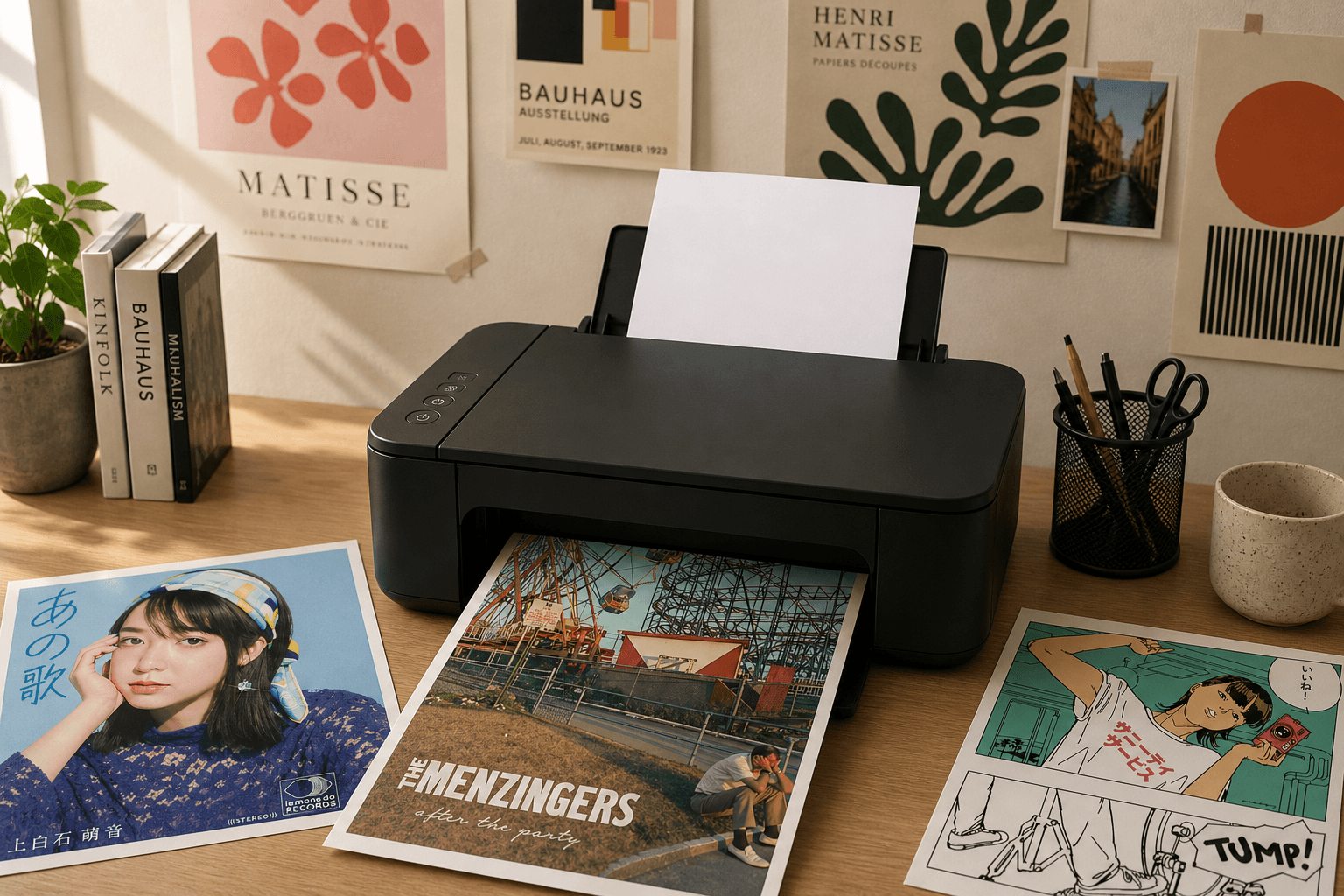
How to Turn Any Spotify Album Into a Poster (Step-by-Step Guide)
A step-by-step guide to turning any Spotify album into a high-quality, print-ready poster.
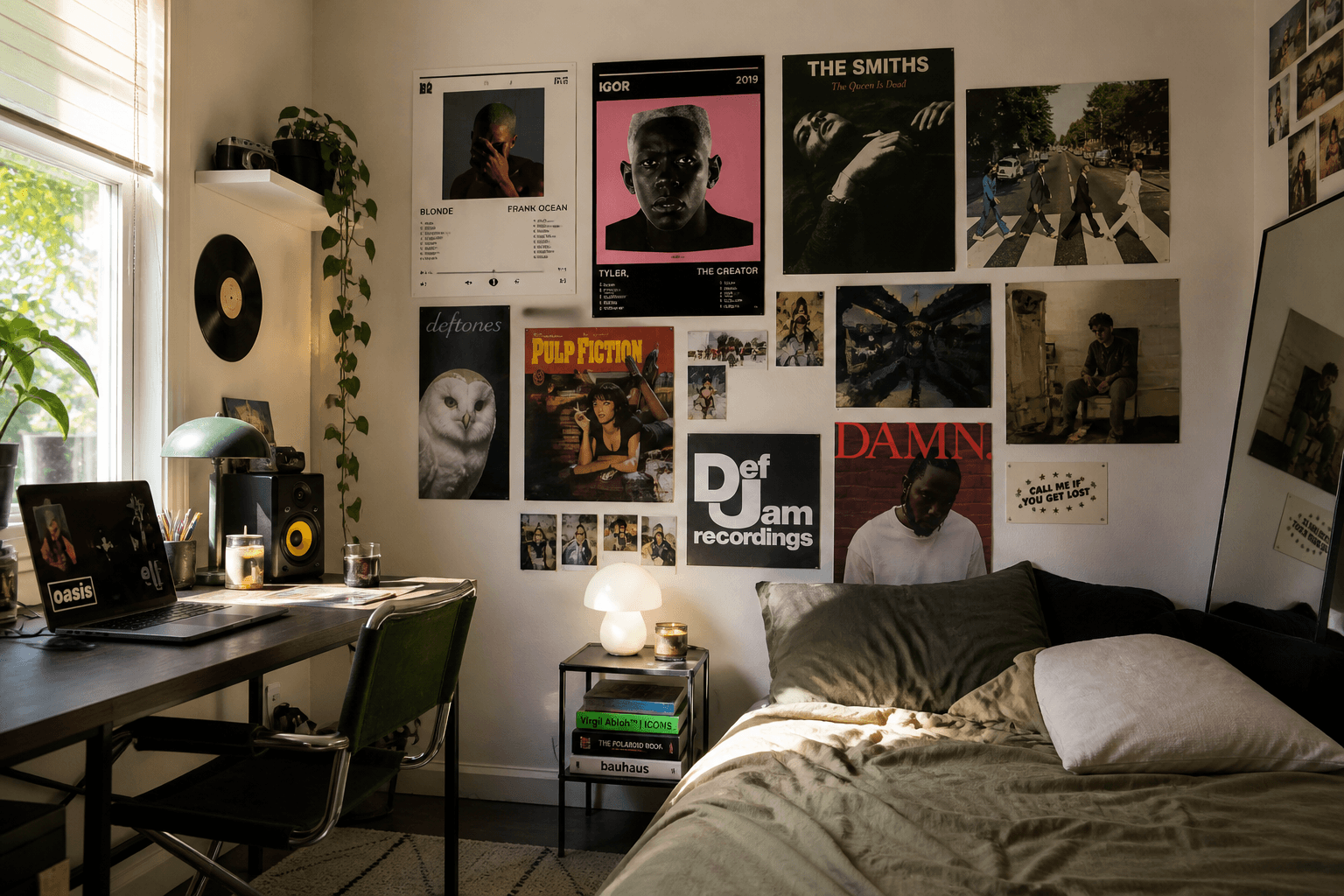
If you’ve ever looked at your favorite album and thought, this would look amazing on my wall, you’re not alone.
Album artwork has always been a huge part of music culture. From classics like Abbey Road to modern favorites like Un Verano Sin Ti, album covers are designed to be seen, not just heard.
The good news is you don’t need design experience or complicated software to turn an album into a high-quality poster. In this guide, you’ll learn exactly how to create one in minutes using either design tools or dedicated poster generators.
Why Turn an Album Into a Poster?
Music is personal, and turning an album into a poster is a simple way to bring that into your space.
It lets you show off your favorite artists, add personality to your room, and create something that actually means something to you. Unlike generic wall art, this is something you connect with.
What You’ll Need
Getting started is simple. All you need is a favorite album and a few minutes.
No design tools or editing experience required.
1. Choose an Album
Start with an album you genuinely like.
It could be something nostalgic, visually striking, or just something you’ve been listening to on repeat. Albums from artists like Drake, Taylor Swift, or Frank Ocean are popular choices because their artwork translates well into posters.
As a general rule, albums with bold colors and clean composition tend to look best when printed.
2. Choose How You Want to Create It
There are two main ways to make an album poster, and the one you choose depends on how much control you want.
You can design it manually using tools like Canva, Photoshop, or Figma. This gives you full flexibility, but it also means finding high-resolution artwork, typing out the tracklist yourself, and carefully aligning everything. It works well if you enjoy design, but it can take time.
The simpler option is to use an album poster generator. Tools like poster.fm are built specifically for this, automatically pulling album data and formatting it into a clean layout. Instead of starting from scratch, you start with a finished design and make small adjustments.
For most people, this second option is faster and easier.
3. Enter or Gather the Album Details
Once you’ve chosen your approach, the next step is to get the album data into your design.
If you’re using a generator, this part is quick. You just search for the artist and album name, and the poster will automatically populate with the album cover, tracklist, artist name, and layout.
If you’re designing manually, you’ll need to gather these elements yourself. Try to find the highest-resolution version of the album cover available, copy the tracklist from a reliable source like Spotify or Apple Music, and double-check that the artist and album name are formatted correctly.
Once everything is collected, you can start placing it into your design.
4. Choose a Template or Layout
The layout is what brings everything together.
A good template takes care of spacing, typography, and overall structure so you don’t have to think about design decisions from scratch. This is especially helpful if you’re not experienced with layout design.
In most cases, simpler layouts work best. Clean, minimal designs tend to look better both on screen and when printed.
5. Choose Colors That Match the Album
Color plays a huge role in how your poster looks.
Most album artwork already has a strong color palette, so instead of inventing new colors, the goal is to reuse what’s already there. This keeps your design cohesive and visually balanced.
Start by identifying a few key colors from the album cover. Usually, one dominant color, one or two secondary colors, and a neutral tone for text or background is enough.
If you’re using a generator, this is often handled automatically. If you’re designing manually, you can use built-in color pickers in tools like Canva or Photoshop.
Once you have your palette, apply it consistently. Use neutral tones for the background, high contrast for text, and brighter colors sparingly for accents. Avoid adding colors that don’t exist in the original artwork, since that’s what tends to make designs feel messy.
In most cases, simpler color schemes will look more polished.
6. Preview Your Poster
Before downloading, take a moment to review your design.
Look at how readable the text is, check that everything feels aligned, and make sure the overall layout looks balanced. This step is usually quick, but it helps catch small issues before you export the final version.
7. Download Your Poster
Once you’re happy with the design, download your poster.
Most tools offer formats like PNG, JPEG, and PDF. For printing, PDF is usually the best choice because it preserves quality and keeps the dimensions consistent.
The Easiest Way to Make an Album Poster
You can always build a poster from scratch, but for most people, that’s not necessary.
Poster-specific tools simplify the entire process by automatically generating layouts, using real album data, and removing the need for manual alignment. Instead of spending time adjusting everything, you get a clean, polished result in seconds.
Tips for Better-Looking Posters
A few small decisions can make a big difference in how your poster turns out.
Keeping the design simple usually leads to better results, especially for printing. Choosing album artwork with strong colors and clear composition will also help your design stand out.
It’s also worth thinking about size and placement ahead of time. Standard sizes like 11 × 17 or 12 × 18 are easier to print and frame, and considering where the poster will go can help guide your design choices.
What to Do After You Create Your Poster
Once your poster is ready, the next step is printing.
If you want it to look sharp and professional, things like paper type, resolution, and printer settings matter more than you might expect.
👉 How to Print Posters at Home (Complete Guide)
Final Thought
Whether you design it from scratch or use a tool like poster.fm, turning an album into a poster is one of the easiest ways to bring your music taste into your space.
It’s simple, personal, and takes just a few minutes to create something you’ll actually want to hang on your wall.